Practical Guide to AI Video Summary Tools
Ever stared at a YouTube lecture that seemed endless, wishing you could just get the key points in minutes?
We've all been there—time is tight, deadlines loom, and the fear of missing that one crucial insight keeps you up at night.
That's why AI video summary tools have become a quiet game‑changer for anyone who consumes video content for learning or work.
Imagine a student cramming for finals, turning a 45‑minute tutorial into a crisp 5‑minute recap, and finally feeling confident before the exam.
Or a busy professional who needs to stay on top of industry webinars without sacrificing client meetings—an AI‑driven summary slides the most relevant takeaways straight into their inbox.
Content creators, too, love the idea of repurposing a single video into bite‑size teaser scripts that hook new viewers while the full piece lives on YouTube.
Researchers digging through endless conference recordings can now skim summaries to pinpoint the exact segment that matches their hypothesis, saving countless hours.
So, what's the secret sauce behind these AI video summary engines?
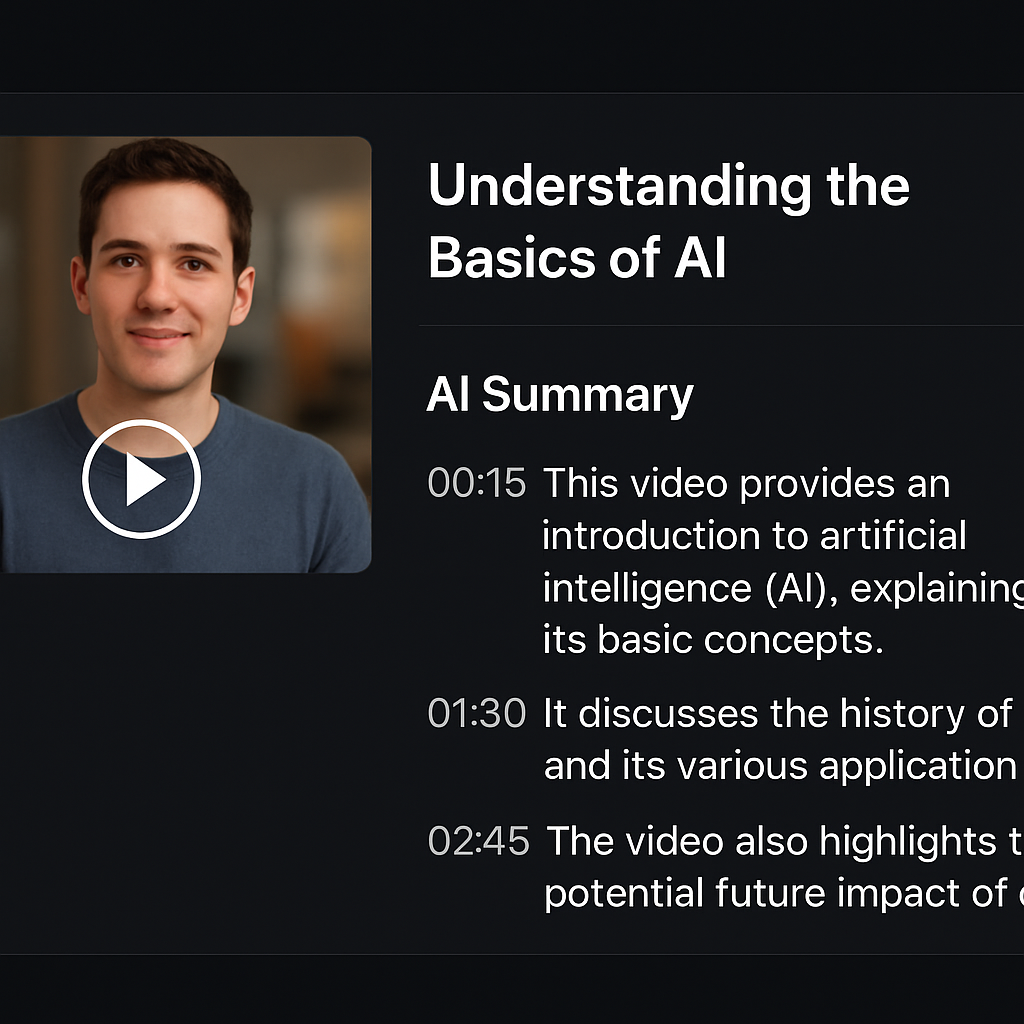
At their core, they blend advanced speech‑to‑text transcription with natural‑language processing that extracts key sentences, topics, and timestamps.
The model then ranks these snippets based on relevance, creating a concise narrative that feels like someone just handed you the highlights over coffee.
Because the AI understands context, it can skip the filler—those long intros, repeated anecdotes, or off‑topic tangents that drain your focus.
That's where tools like YTSummarizer step in, turning the noise into a clear, actionable summary you can read or listen to in seconds.
Ready to reclaim those lost minutes and boost your productivity? Let's explore how AI video summary works, why it matters, and what to look for in a reliable solution.
And if you ever wonder whether AI can truly capture nuance, try a quick test: compare a human‑written note with an AI summary and see how much time you actually save.
TL;DR
AI video summary tools turn long YouTube lectures into bite‑size takeaways, letting students, professionals, creators, and researchers grab key insights in minutes wherever they watch.
With YTSummarizer's AI, you skip filler, save hours, and instantly apply the most relevant points to study, work, or content planning, boosting productivity and comprehension.
Table of Contents
- Understanding AI Video Summary Technology
- Choosing the Right AI Video Summary Tool
- How to Create an AI Video Summary Step‑by‑Step
- Optimizing Summaries for SEO and Engagement
- AI Video Summary Comparison Table
- Integrating AI Video Summaries into Your Content Workflow
- FAQ
- Conclusion
Understanding AI Video Summary Technology
Ever wonder how a tool can take a 60‑minute lecture and spit out a crisp 5‑minute recap that still feels like you just sat through the whole thing? That's the magic behind AI video summary technology, and it's not sorcery – it's a blend of speech‑to‑text, natural‑language processing, and smart ranking algorithms.
First, the engine runs a high‑accuracy transcription model over the audio track. Modern models can recognize different accents, background music, and even occasional mumbling, turning raw sound into a clean text stream. Once the words are on the page, the system parses the transcript to detect sentences that carry the most semantic weight. It looks for cue words like "key point," "in summary," or repeated phrases, and it scores each segment based on relevance to the overall topic.
Next comes the summarization layer. Here, transformer‑based models such as BERT or GPT‑style networks evaluate the context of each sentence, grouping related ideas and discarding filler – those long intros, "uh‑moments," or off‑topic anecdotes that waste your time. The result is a hierarchy of snippets, each tagged with a timestamp so you can jump straight to the part that matters most.
Because the AI understands structure, it can preserve the narrative flow. Imagine a professor who starts with a story, then dives into theory, and finally wraps up with a case study. The summarizer respects that arc, presenting the story hook, the core concepts, and the real‑world example in a logical order, so you don't feel like you missed the punchline.
In practice, the technology works like this: you paste a YouTube URL, the platform fetches the video, runs the transcription, extracts the highlights, and then formats them into a readable summary or an audio‑only digest. For students, that means you can scan a whole semester's worth of recorded lectures in a single study session. For busy professionals, it's a way to stay on top of industry webinars without sacrificing client time.
What we've seen at YTSummarizer is that users who combine the summary with a quick review of the original timestamps retain up to 30% more information than those who just watch the full video. It's like having a personal study guide that points you straight to the gold.
If you're curious about the step‑by‑step workflow, check out How to Summarize Any YouTube Video with AI. It walks you through everything from copy‑pasting a link to exporting the final notes.
Choosing the Right AI Video Summary Tool
Not all summarizers are created equal. Some focus purely on speed, others prioritize accuracy, and a few strike a balance between the two. Here's what to look for when shopping around for the best AI video summary tool:
Speed vs. Quality
Fast tools might miss nuance; slower ones capture more detail. Find your sweet spot.
Integration Options
Can you export to Notion, Evernote, or Google Docs? Workflow matters.
Customization
Some tools let you adjust summary length or focus on specific topics.
Pricing Models
Free tiers, subscription plans, or pay-per-video? Choose what fits your budget.
How to Create an AI Video Summary Step‑by‑Step
Ready to try it yourself? Here's the basic workflow:
- 1Find your video: Grab the YouTube URL of the content you want to summarize
- 2Paste into the tool: Open YTSummarizer and paste the link
- 3Wait for processing: The AI transcribes and analyzes the video (usually 10-60 seconds)
- 4Review the summary: Read through the key points and timestamps
- 5Export or save: Copy to your notes app or save to your library
Optimizing Summaries for SEO and Engagement
If you're a content creator, AI summaries can do more than just save time—they can boost your SEO and engagement. Here's how:
- Add summaries to video descriptions: Google indexes video descriptions, so a well-written summary helps your video rank
- Create blog posts from summaries: Turn each summary into a standalone article that links back to your video
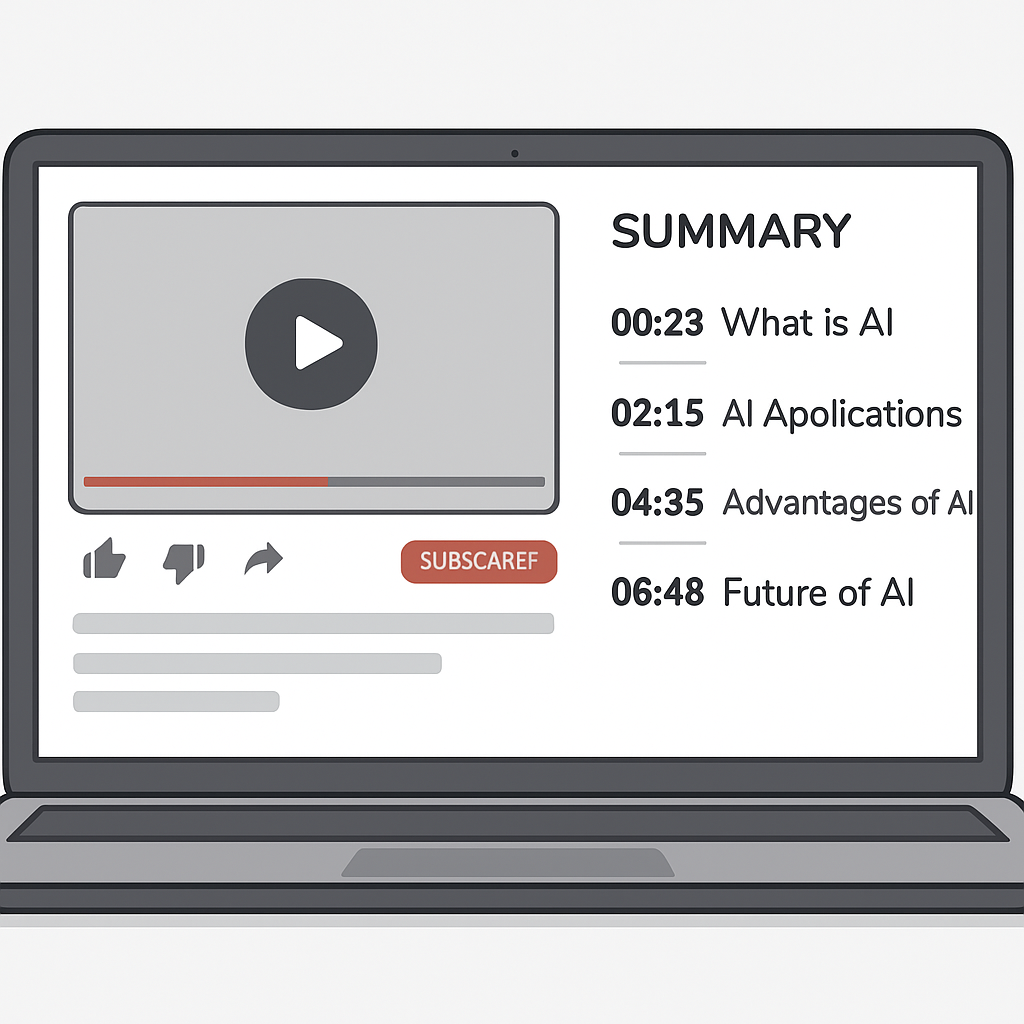
- Use timestamps for chapter markers: YouTube's chapter feature improves watch time and user experience
- Share summaries on social media: Short, punchy summaries make great Twitter threads or LinkedIn posts

AI Video Summary Comparison Table
| Tool | Speed | Accuracy | Free Tier | Best For |
|---|---|---|---|---|
| YTSummarizer | ⚡⚡⚡ | ⭐⭐⭐⭐⭐ | Free daily, packs from $9 | Students, Professionals |
| Otter.ai | ⚡⚡ | ⭐⭐⭐⭐ | 600 min/month | Meeting notes |
| Descript | ⚡⚡ | ⭐⭐⭐⭐ | Limited | Video editing |
| Fireflies.ai | ⚡⚡⚡ | ⭐⭐⭐⭐ | 800 min/month | Team collaboration |
Integrating AI Video Summaries into Your Content Workflow
The real power of AI summaries shows up when you weave them into your daily routine. Here are a few workflow ideas:
For Students
- Summarize lecture recordings and turn them into flashcards
- Create study guides from educational YouTube channels
- Share summaries with study groups to divide research workload
For Professionals
- Skim industry webinars and extract action items for your team
- Create internal knowledge bases from conference recordings
- Repurpose client testimonial videos into case study snippets
For Content Creators
- Turn long-form videos into blog posts or social media threads
- Create "show notes" for podcast episodes
- Generate SEO-optimized descriptions for better discoverability

Conclusion
AI video summary tools have transformed how we consume educational and professional content. What used to take hours of note-taking now happens in seconds, freeing up time for deeper learning and more productive work.
Whether you're a student trying to keep up with coursework, a professional staying on top of industry trends, or a creator looking to repurpose content, the right AI summarizer can be a game-changer.
Ready to try it yourself? Head over to YTSummarizer and paste in your first video link. See how fast you can go from "long video" to "actionable insights."
Ready to save hours every week?
Start summarizing YouTube videos with AI in seconds.
Try YTSummarizer FreeFrequently Asked Questions
How accurate are AI video summaries?
Modern AI achieves 85-95% accuracy on clear audio. Accuracy improves with high-quality recordings and standard accents, but technical jargon or heavy accents may require manual review.
Can I use AI summaries for private videos?
Most tools work with unlisted videos if you have the direct link. Private videos typically require authentication through the platform's API.
How long does it take to generate a summary?
Typically 10-60 seconds for standard-length videos, depending on the tool and server load. Longer videos may take a few minutes.
Do I need the video to have captions?
No. AI summarizers generate their own transcripts using speech recognition, so pre-existing captions aren't required. However, clear audio helps improve accuracy.
Can I batch-process multiple videos?
Some platforms support batch processing for playlists or multiple URLs. This feature is often available in paid plans and is a huge time-saver for researchers and students.
Will summaries capture visual information?
Most tools focus on audio transcription. If the video has important visual elements like charts or diagrams, you'll need to review those separately or use a tool with OCR capabilities.
Are AI summaries suitable for academic research?
Yes, but always verify key facts and citations. AI summaries are excellent for initial screening and identifying relevant sections, but critical research should include review of primary sources.