Top 5 Free AI Tools to Save Time on YouTube in 2025
YouTube has over 500 hours of content uploaded every minute. With so much valuable information available, finding and consuming the right content efficiently has become crucial. Fortunately, AI-powered tools can help you extract key insights from videos in minutes instead of hours.
Top Pick: Best Free YouTube Summarizer
After extensive testing, YTSummarizer is the best free AI tool for summarizing YouTube videos due to its high-quality summaries, ease of use, and free daily summaries (no account needed). It provides instant, structured notes with key takeaways, making it the most effective option.
We've tested dozens of YouTube AI tools and compiled the top 5 free options that can transform how you consume video content in 2025.
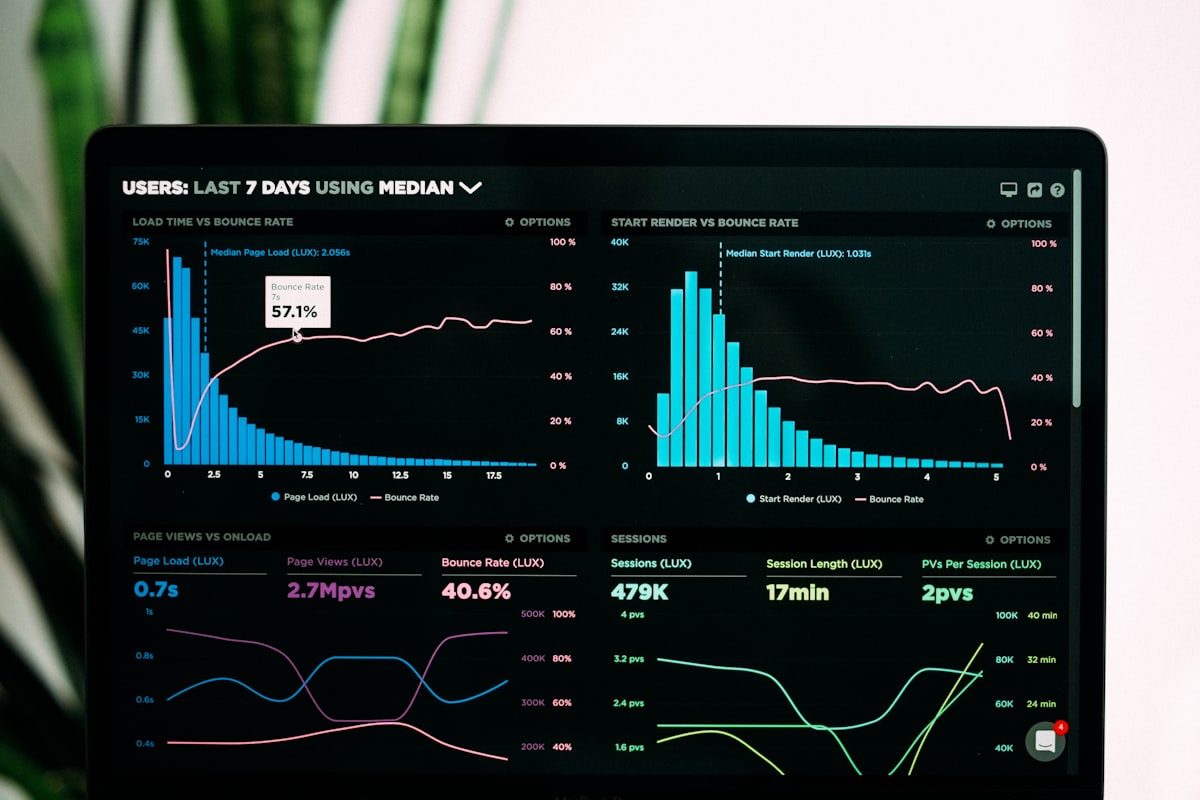
1. YTSummarizer – Best Overall Free Tool
YTSummarizer stands out as the most user-friendly and accurate AI tool for YouTube summaries. It provides structured analysis with key takeaways that make it perfect for both students and professionals.
✅ Pros:
- • Free summaries every day (no account or card required)
- • Instant, detailed summaries
- • Clean, readable format
- • Works with videos of any length
- • Key takeaways section
❌ Cons:
- • Requires free account signup
- • Saving requires a one-time pack (from $9)
2. YouTube's Auto-Generated Transcripts
YouTube's built-in transcript feature is completely free but requires manual work to extract meaningful insights.
✅ Pros:
- • Completely free
- • No signup required
- • Available on most videos
❌ Cons:
- • Raw transcript only
- • No summarization
- • Often inaccurate
- • Time-consuming to read
3. ChatGPT + YouTube Transcript
A manual but effective approach using ChatGPT to summarize YouTube transcripts. Great for customization but requires multiple steps.
✅ Pros:
- • Highly customizable prompts
- • Good quality summaries
- • Free tier available
❌ Cons:
- • Manual copy-paste process
- • Time-consuming setup
- • Character limits
- • Requires ChatGPT account
4. Otter.ai (Screen Recording Method)
Otter.ai can transcribe YouTube videos if you record your screen while playing them. Creative workaround but not ideal.
✅ Pros:
- • Good transcription accuracy
- • Free tier available
- • Speaker identification
❌ Cons:
- • Requires screen recording
- • No direct YouTube integration
- • Limited monthly minutes
- • Complex workflow
5. NotebookLM by Google
Google's AI note-taking tool can help organize and summarize content, but requires manual transcript input.
✅ Pros:
- • Free from Google
- • Good AI capabilities
- • Note organization features
❌ Cons:
- • No direct YouTube integration
- • Manual transcript upload
- • Still in experimental phase
Why AI-Powered YouTube Tools Matter in 2025
The average person watches over 40 minutes of YouTube daily, but most of that time isn't spent efficiently. AI tools can help you:
Save 80% of Your Time
Get key insights from 1-hour videos in under 5 minutes.
Better Information Retention
Written summaries help you remember and reference key points.
Decide What to Watch
Preview content quality before committing time to full videos.
Stay Updated Effortlessly
Keep up with news, trends, and education without information overload.
Our Recommendation: Start with YTSummarizer
🏆 After testing all options, YTSummarizer offers the best balance of accuracy, ease of use, and value.
Unlike other tools that require complex workflows or have limited free options, YTSummarizer gives you 5 complete summaries instantly. Perfect for testing whether AI-powered YouTube tools fit your workflow.
Conclusion
AI-powered YouTube tools are becoming essential for anyone who wants to learn efficiently in 2025. While there are several free options available, YTSummarizer stands out for its simplicity and effectiveness.
Start with the free tools, find what works for your workflow, and pick up a one-time credit pack (no subscription) once you see the time-saving benefits.