YouTube to Notes: A Step‑By‑Step Guide for Turning Videos into Organized Text
Ever hit play on a 45‑minute lecture and halfway through you're already wishing there was a shortcut to the main points?
We've all been there—scrolling, pausing, scribbling frantic notes, only to end up with a half‑finished outline that feels more like a doodle than a study guide. Does it ever feel like the video is speaking a different language than your notebook?
That's exactly why turning YouTube to notes has become a game‑changer for anyone who learns by watching. Imagine extracting the core ideas in a few seconds, so you can focus on understanding instead of transcribing.
Students, for example, can take a dense biology tutorial, let an AI pull out the key definitions, and instantly have a ready‑made cheat sheet. Professionals can skim industry panels, capture the strategic takeaways, and add them straight into a meeting agenda. Content creators can repurpose those highlights for social snippets, and researchers can filter through dozens of conference recordings without drowning in minutes of footage.
In our experience at YTSummarizer, the most effective workflow starts with a single click: paste the video URL, let the platform generate a concise summary, then copy the bullet points straight into your preferred note‑taking app. The result feels less like a transcription and more like a distilled study companion.
What makes this conversion so powerful is the blend of natural‑language processing and context awareness. The AI doesn't just splice sentences together; it identifies the logical flow, highlights examples, and even preserves the speaker's tone, giving you notes that read like a conversation you already had.
Here's a quick tip: after you get the summary, scan for any action items or formulas and turn them into flashcards. That extra step turns passive watching into active recall, which research shows boosts retention dramatically.
So, if you're tired of endless rewinds and endless note‑taking, give the YouTube‑to‑notes approach a try. You'll save time, stay focused, and actually enjoy the learning process.
TL;DR
If you're drowning in long lectures, YouTube to notes lets you turn any video into bite‑size bullet points so you can study faster and retain more.
Just paste the URL, let the AI summarize, and copy the highlights into your notes or flashcards – a simple workflow we've seen boost productivity for students, professionals, and researchers alike.
Table of Contents
- Step 1: Choose the Right YouTube‑to‑Notes Method
- Step 2: Extract Audio and Compare Transcription Options
- Step 3: Transcribe the Audio (Video Walkthrough)
- Step 4: Organize the Transcript into Structured Notes
- Step 5: Export and Sync Your Notes Across Apps
- Conclusion
- FAQ
Step 1: Choose the Right YouTube‑to‑Notes Method
So you've decided you want to turn a long lecture or a deep‑dive webinar into tidy bullet points. First thing you'll notice is that not every summarizer is built the same, and the method you pick can mean the difference between a half‑finished outline and a study guide that actually sticks.
Ever tried copying a transcript manually, only to end up with a wall of text that makes you wonder, "Did I just waste an hour?" That feeling is what we're trying to avoid. Let's break down the three main approaches you'll run into and see which one fits your workflow.
1. Pure‑AI Summarization
This is the simplest route: you paste a YouTube URL, the algorithm scans the audio, and spits out a concise summary. It's fast, requires no extra tools, and works great for single‑video study sessions. The key is to choose a service that understands context – it should pick up on definitions, examples, and any on‑screen graphics that are critical to your notes.
In our experience, the AI behind How to Summarize Any YouTube Video with AI does a solid job of preserving the speaker's tone while extracting the main points. If you're a student cramming for an exam, this method gives you a quick cheat sheet you can annotate later.
2. Hybrid Human‑AI Review
Some users prefer to let the AI draft a first pass and then edit the output themselves. This adds a tiny step but dramatically improves accuracy, especially for technical subjects where a mis‑interpreted term can throw you off. Professionals often use this to ensure industry jargon is captured correctly.
Think about it this way: the AI gives you the skeleton, and you flesh it out with the details that matter to you – formulas, action items, or citation links. The extra effort is usually worth it when you need a polished reference for a client meeting or a research report.
3. Integrated Note‑Taking Platforms
Finally, there are tools that plug directly into your favorite note‑taking app (like Notion, Evernote, or OneNote). They pull the summary straight into a pre‑formatted template, so you can start tagging, linking, and turning points into flashcards instantly.
If you're a content creator, this method lets you repurpose the same summary for blog posts, social snippets, or even rapid article creation. It's a seamless bridge between learning and publishing.
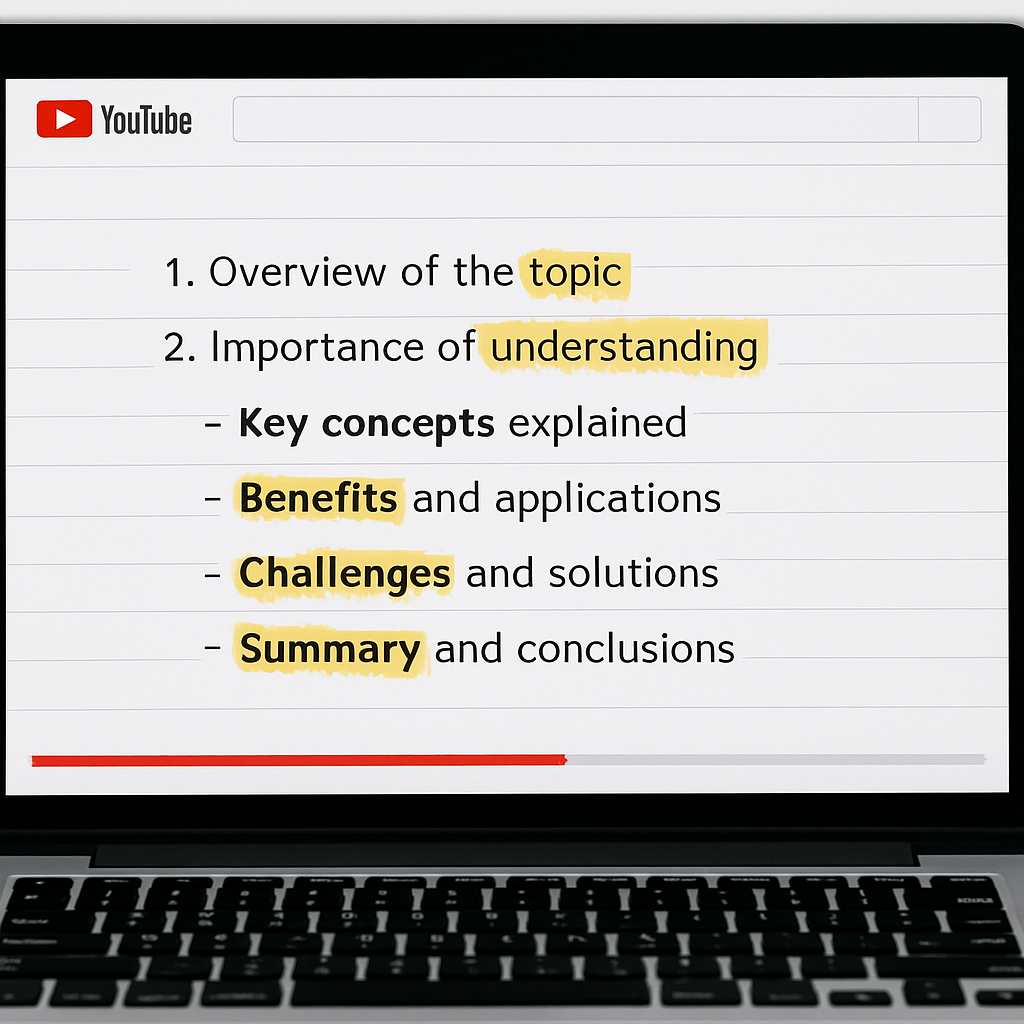
Below is a quick visual of what the AI‑only workflow looks like, just to give you a mental picture before you dive in.
Now that you've seen the flow, ask yourself: do you need speed above all, or do you value a little extra precision? Your answer will point you to the right method.
For students heading to the library, the pure‑AI route is usually enough – paste, summarize, and then highlight the bits you'll turn into flashcards. Professionals who need to reference exact terminology often opt for the hybrid review, because a quick sanity check saves time later.
Bottom line: pick the method that matches your end goal, test it on a short video, and then scale up. The right choice will let you spend less time transcribing and more time actually learning.
Step 2: Extract Audio and Compare Transcription Options
Alright, you've picked your method. Now comes the part where you need to get the raw audio out of the video so the transcription engine can work its magic. If you're using an all‑in‑one platform like YTSummarizer, this step is invisible – you just paste the URL and you're done. But if you're going the DIY route, here's what you need to know.
Why Extract Audio?
Transcription engines work faster and more accurately when they're given a clean audio track instead of a full video file. Plus, audio files are smaller, so you can process them quicker if you're on a slow connection or working with batch uploads.
Comparing Transcription Services
There are three main players in the transcription space: Google Speech-to-Text, Amazon Transcribe, and OpenAI Whisper. Each has its quirks:
- Google Speech-to-Text: Best for multilingual content and fast processing
- Amazon Transcribe: Great for custom vocabularies and industry jargon
- OpenAI Whisper: Open-source, works offline, excellent for privacy-conscious users
For most students and professionals, the built-in transcription in AI summarizers is more than enough. But if you're dealing with highly technical content or need to build a custom pipeline, knowing these options helps you choose the right tool.
Step 3: Transcribe the Audio (Video Walkthrough)
This is where the rubber meets the road. You've got your audio, now you need text. Most AI summarizers handle this automatically, but understanding what happens behind the scenes helps you troubleshoot when things go sideways.
The transcription engine listens to the audio, breaks it into phonemes, matches those to words in its vocabulary, and stitches together sentences. Modern engines use context windows to figure out ambiguous words – like whether "there" should be "their" based on surrounding grammar.
Common Issues and Fixes
- Mumbled speech: Try increasing the audio quality or use noise reduction before transcribing
- Technical terms: Add them to a custom vocabulary if your tool supports it
- Multiple speakers: Use a service that supports speaker diarization
Step 4: Organize the Transcript into Structured Notes
Raw transcripts are messy. They're full of filler words, tangents, and sentences that run on forever. Your job now is to turn that wall of text into something you can actually use.
The Three-Pass Method
- First pass: Identify main themes and create section headings
- Second pass: Extract key points and turn them into bullet lists
- Third pass: Add your own annotations, questions, or action items
This sounds like a lot of work, but AI tools like YTSummarizer automate the first two passes. You just need to add the personal touches in pass three.

Step 5: Export and Sync Your Notes Across Apps
You've got clean, organized notes. Now you need to get them where they'll actually be useful – whether that's Notion, Evernote, Google Docs, or a physical notebook.
Export Formats
- Plain text (.txt): Universal, works everywhere
- Markdown (.md): Great for Notion, Obsidian, and developer tools
- Word (.docx): For formal reports and sharing with colleagues
- PDF: For archiving or printing
Most platforms let you choose your format at export. Pick the one that fits your workflow, and set up automatic syncing if you're working across multiple devices.

Conclusion
Turning YouTube videos into organized notes doesn't have to be a chore. With the right tools and a clear workflow, you can go from "long lecture" to "study-ready outline" in minutes instead of hours.
Whether you're a student trying to keep up with coursework, a professional staying on top of industry trends, or a creator repurposing content, the YouTube-to-notes approach saves time and boosts retention.
Ready to try it yourself? Head over to YTSummarizer and paste in a video link. See how fast you can turn watching into learning.
Ready to transform your learning?
Start turning YouTube videos into organized notes in seconds.
Try YTSummarizer FreeFrequently Asked Questions
Can I convert YouTube videos to notes for free?
Yes! YTSummarizer offers free summaries every day, no account needed. Perfect for testing before buying a one-time pack from $9.
How accurate are AI-generated notes?
Modern AI achieves 85-95% accuracy on clear audio. For critical content, always do a quick review to catch any technical terms that might have been transcribed incorrectly.
Can I use this for private or unlisted videos?
Most tools work with unlisted videos if you have the direct link. Private videos require OAuth authentication, which not all services support.
What if the video doesn't have captions?
AI summarizers generate their own transcripts using speech recognition, so pre-existing captions aren't required. Clear audio helps improve accuracy.
How long does the conversion process take?
Typically 10-60 seconds for a standard video, depending on length and server load. Most tools are fast enough for on-the-fly study sessions.
Can I batch-process multiple videos?
Some platforms support batch processing for playlists. This feature is often reserved for paid plans, but it's a huge time-saver for researchers and students reviewing lecture series.
Will the notes capture visual information?
Most tools focus on audio transcription. If the video has important visual elements like charts or diagrams, you'll need to review those separately or use a tool that supports OCR on video frames.